
Inspire
Link 1
Link 2
At home
Choose your home Internet
Home FibreMulti-room WiFiPortable Home WiFiCheck coverageFind the right planFibre set up and support
Unlock its best trade-in value

Get your device assessed conveniently with our Trade-In app

Choose between a bank transfer or bill credit

Trade in with confidence knowing your personal data is safely removed

Trade in your old phone today and own the new, with more value
Bonus RM100 when you credit to your Postpaid bill — only on the CelcomDigi Trade-In App
Trade in at a CelcomDigi Store and get RM100 extra with Postpaid bill credit
Download the CelcomDigi Trade-In App from the App Store or Google Play Store.

Open the app, choose Drop-Off, and log in with your mobile number.
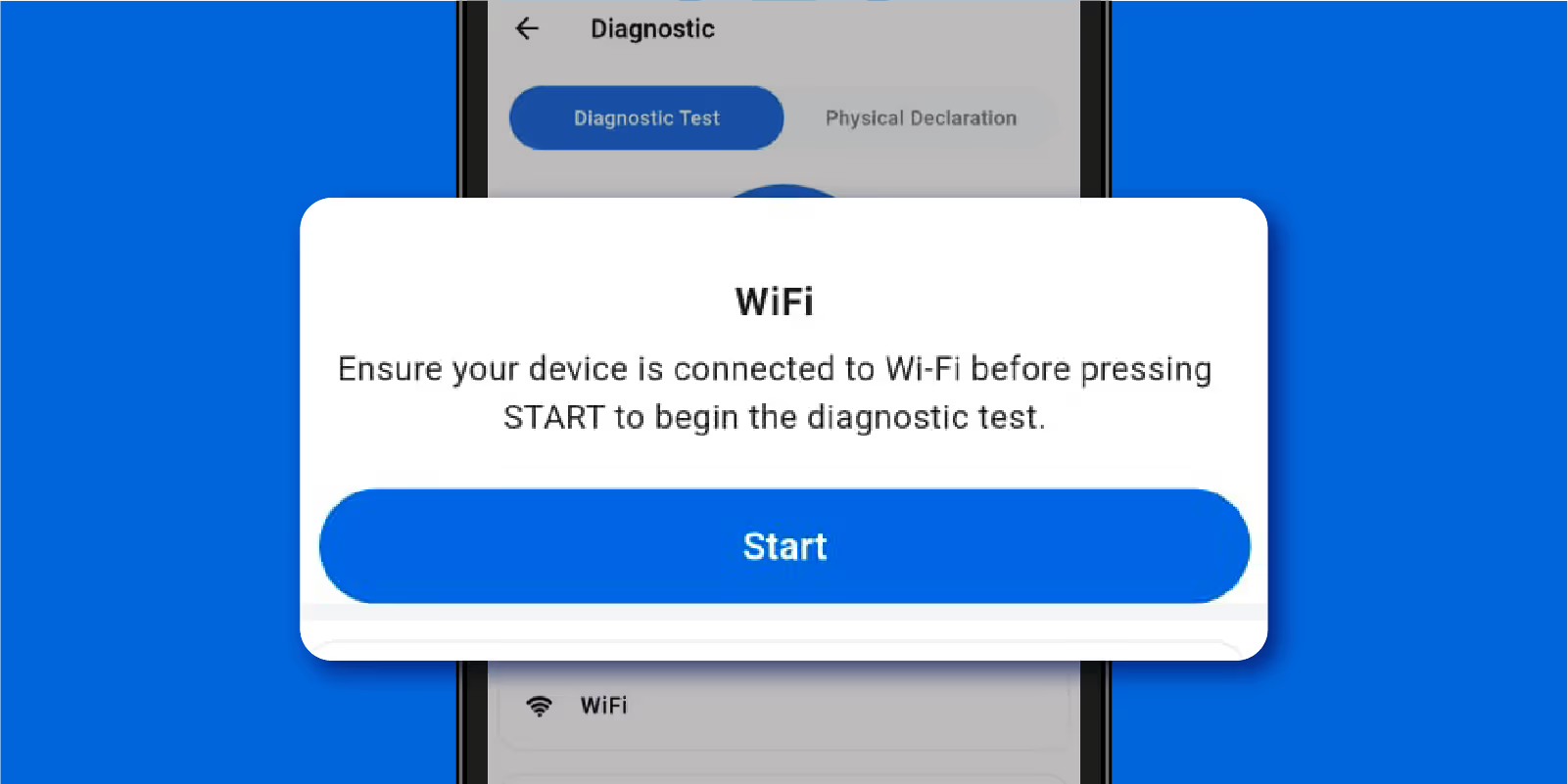
Let the app perform a full device diagnostic to confirm its condition.

Select how you’d like to receive your trade-in payment — and get an instant quotation.
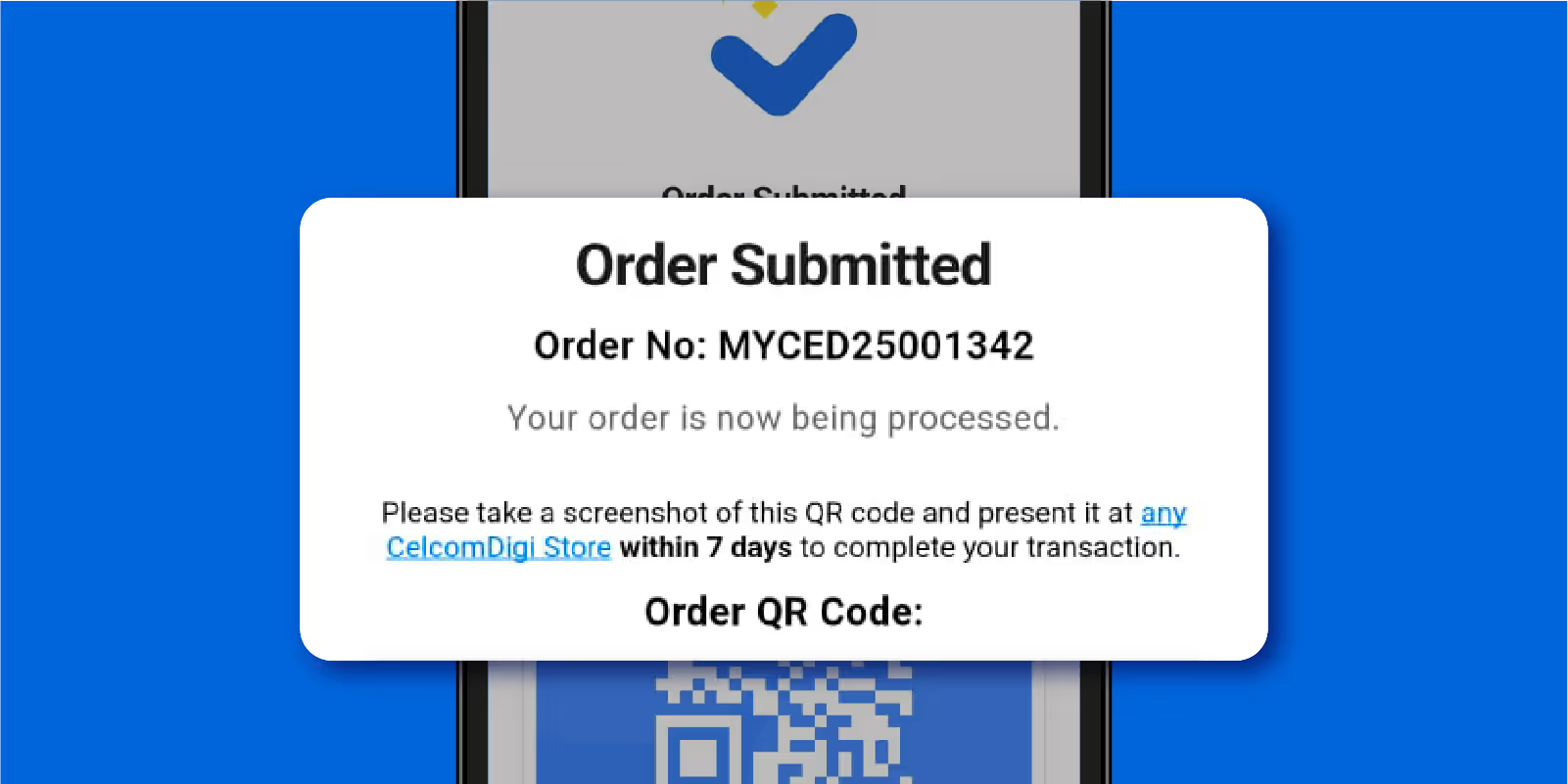
After confirming the order, you’ll receive an Order Number and QR Code. Take a screenshot.
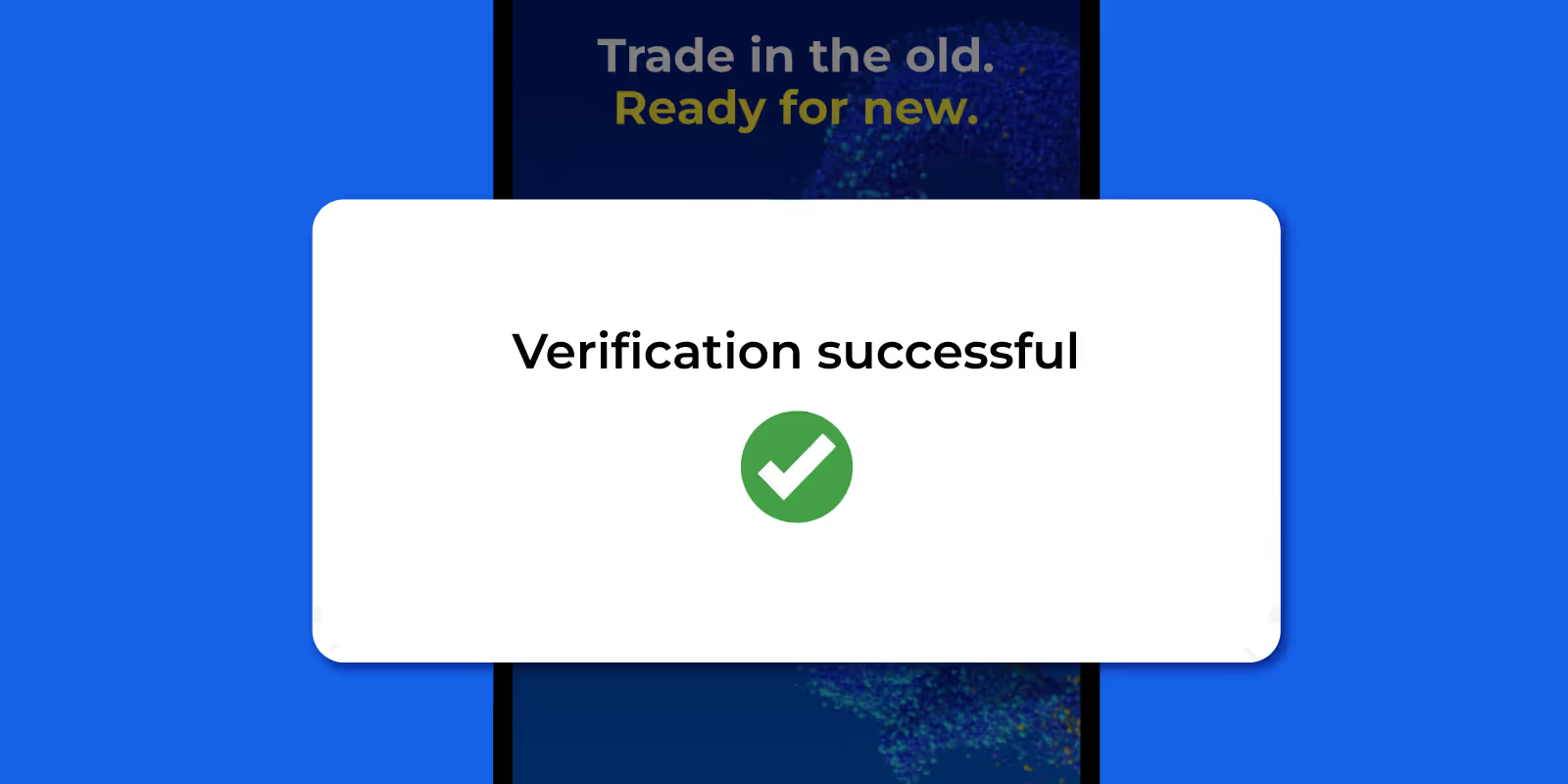
Visit your nearest CelcomDigi Store, show the QR code, and our staff will verify your device to complete the trade-in.

Doorstep pick-up for your phone trade-in – get paid via bank transfer
Download the CelcomDigi Trade-In App from the App Store or Google Play Store.

Open the app, choose Pick-Up, and log in with your mobile number.

Let the app perform a full device diagnostic to confirm its condition and get your instant quotation.
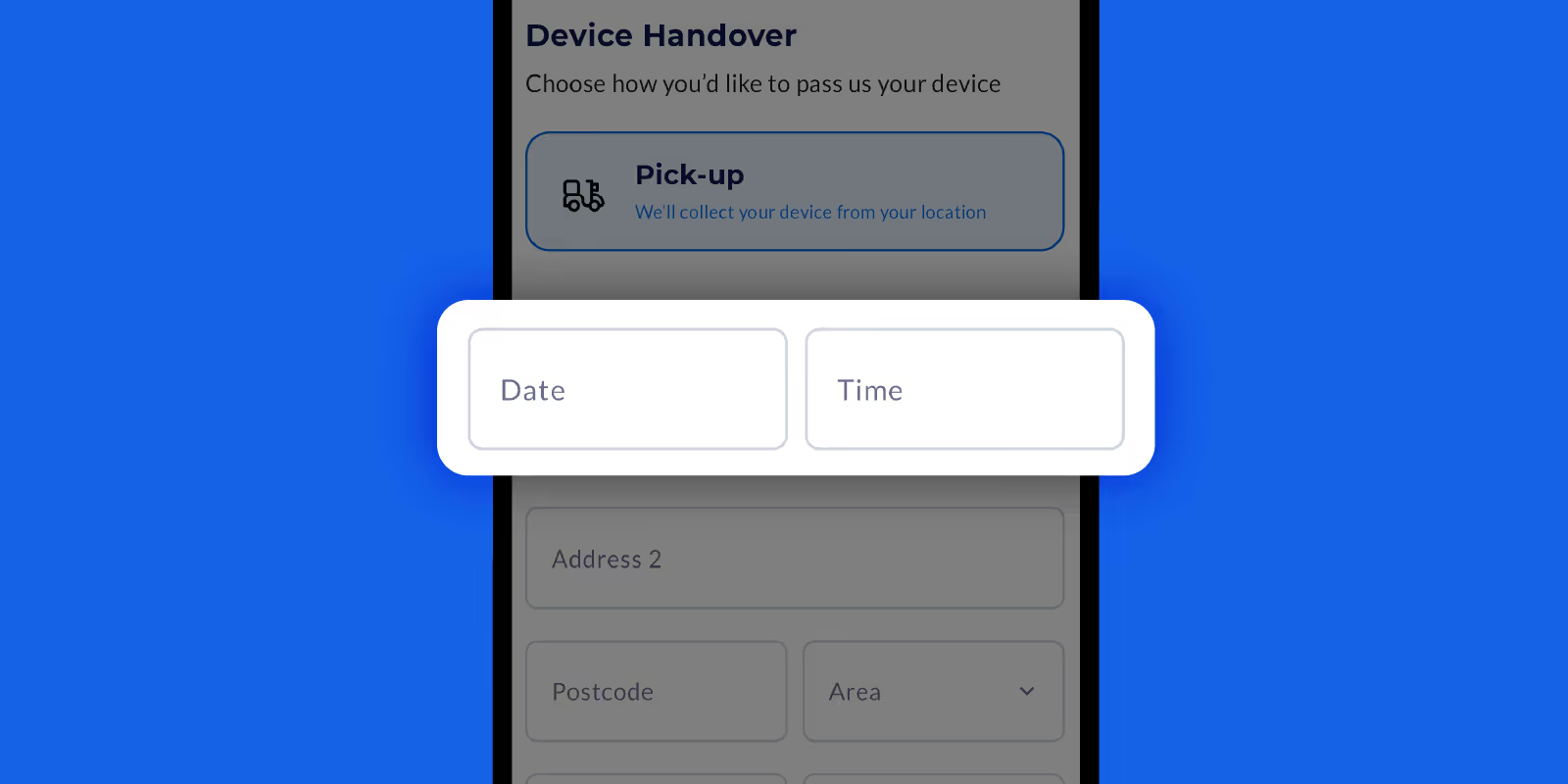
Fill in your pick-up address and select your preferred date and time for collection.
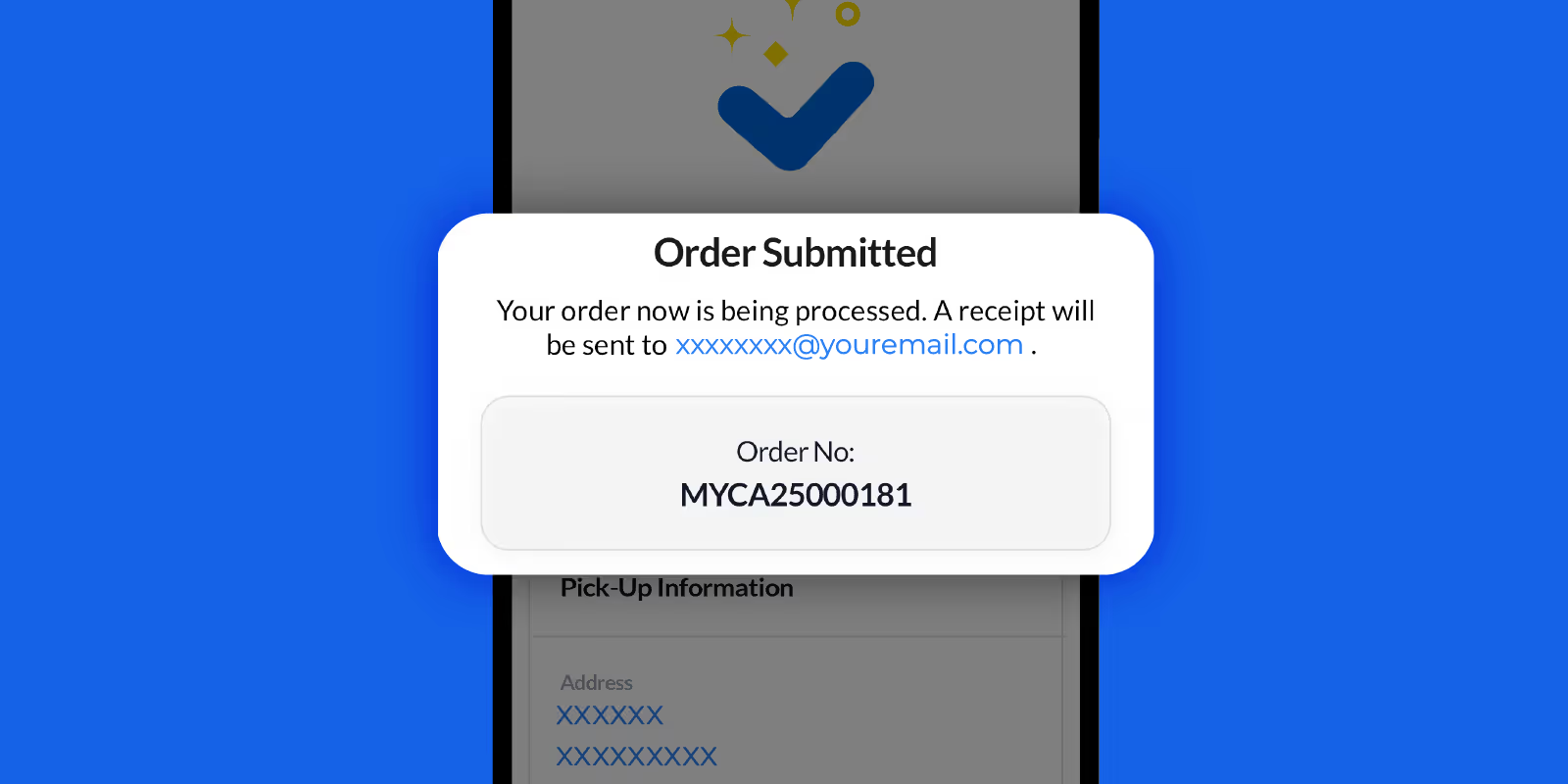
After confirming, you’ll receive an email with your order details.
A trained rider from our partner CompAsia will collect your device at the scheduled time. They will verify your device to complete the trade-in.

The time it takes to receive your trade-in value and eligible trade-in bonus depends on your selected payout method:
• Credit to Postpaid Bill: Your trade-in value and bonus will be credited to your CelcomDigi Postpaid bill within 60 days, depending on your billing cycle.
• Bank Transfer: Your trade-in value will be transferred to your bank account within 14 business days after your trade-in is successfully completed.
Yes. Simply visit your nearest CelcomDigi Store and our staff will guide you through the entire trade-in process — perfect if you prefer a face-to-face device trade-in.
We recommend backing up your device and performing a reset. You can find simple backup guides here:
- iOS devices (Apple)
- Android devices