.svg)

Select if you are an existing or new customer
Stream award-winning Amazon Originals, movies and sports

Stream on phone, tablet, Smart TV — on up to 3 devices at once
See actor info, song titles, trivia and more while you watch
Control your data use when streaming or downloading
Save shows to your device and watch anytime, even offline

Limited-time offer
1-month free trial, on us


Enjoy endless entertainment with an easy, hassle-free sign-up via CelcomDigi app
Login to CelcomDigi app.
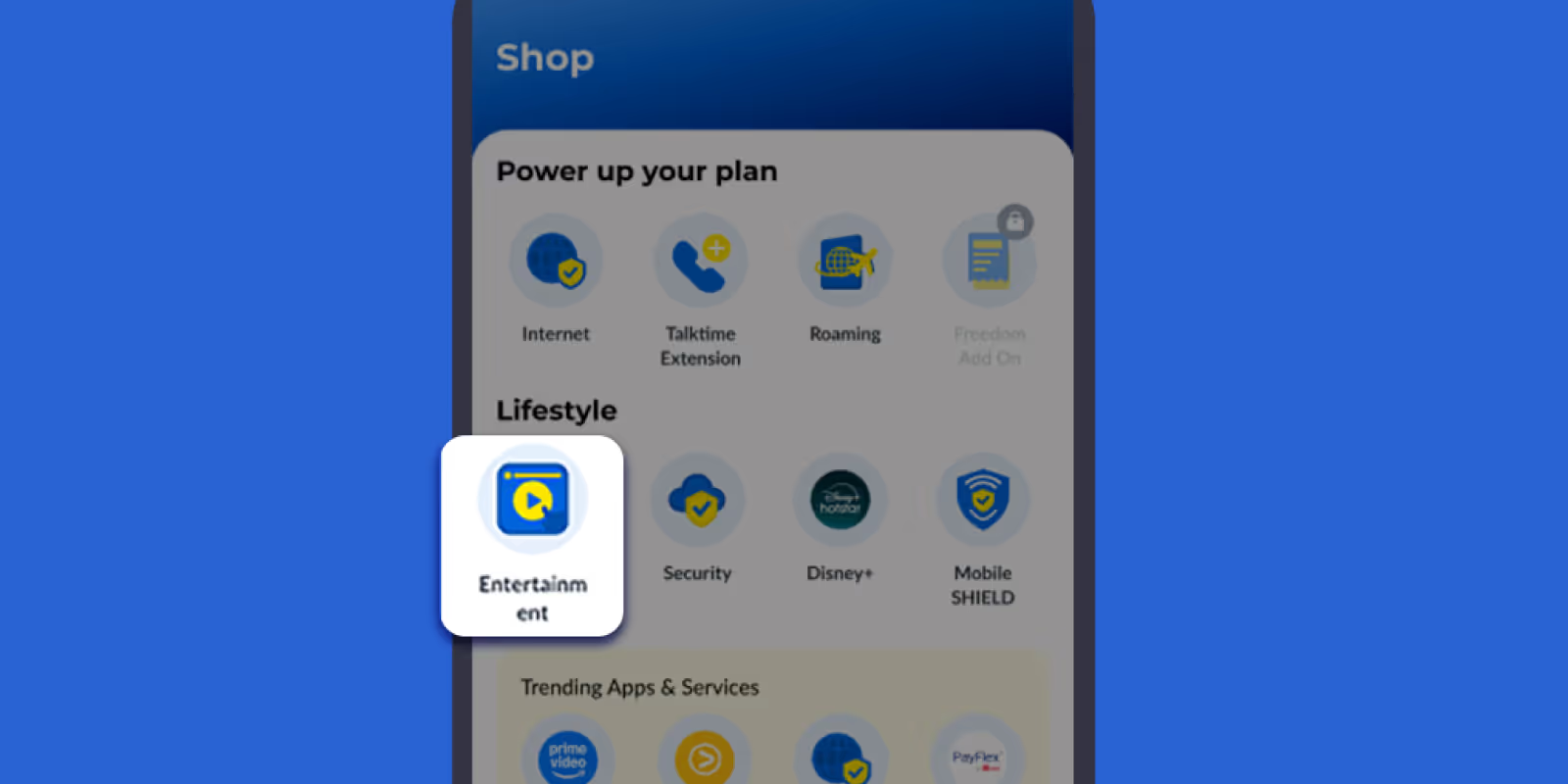
Go to ‘Shop’, and select ‘Entertainment’ under Lifestyle category.
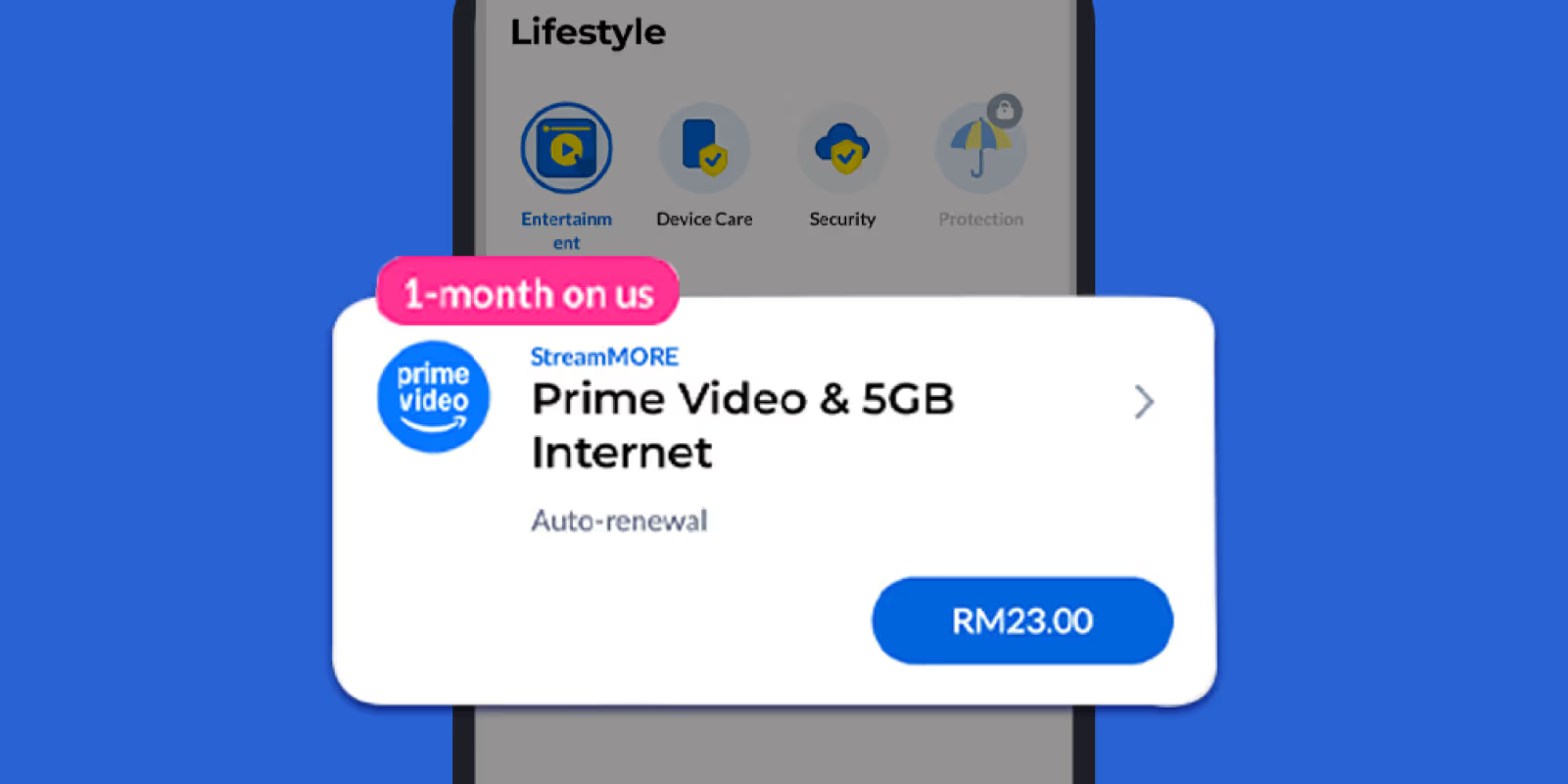
Choose your preferred streaming pass or add-on from the list.

Tap ‘Proceed to Pay’ to complete your purchase.
You will receive a notification to activate your Prime Video subscription.
Pro tip: For a smooth activation, simply sign up with your CelcomDigi mobile number

Login to CelcomDigi app. Tap the bell icon to open your Inbox, then tap the Prime Video activation message.
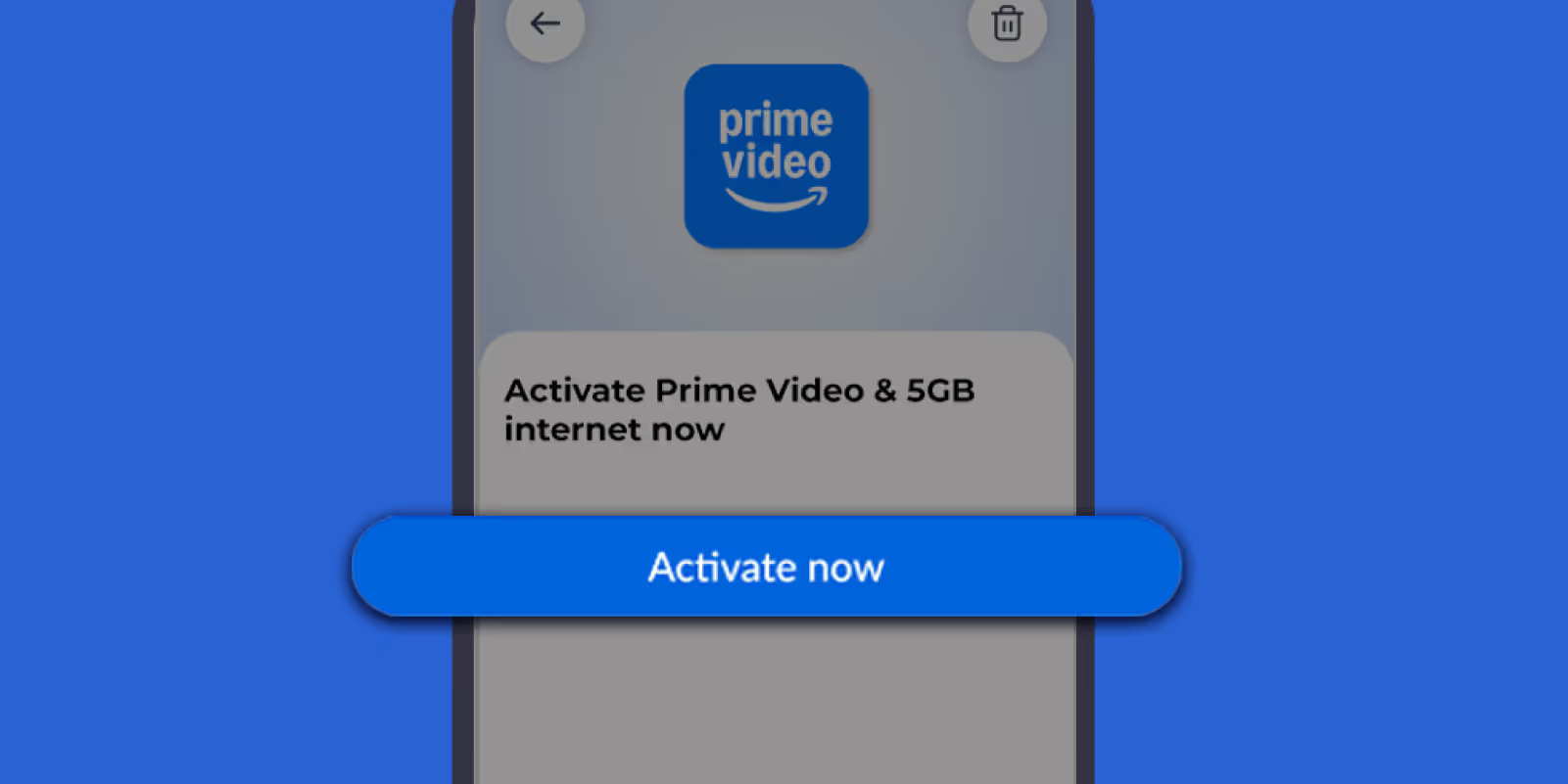
Tap ‘Activate Now’, and you will be redirected to the Prime Video login page.
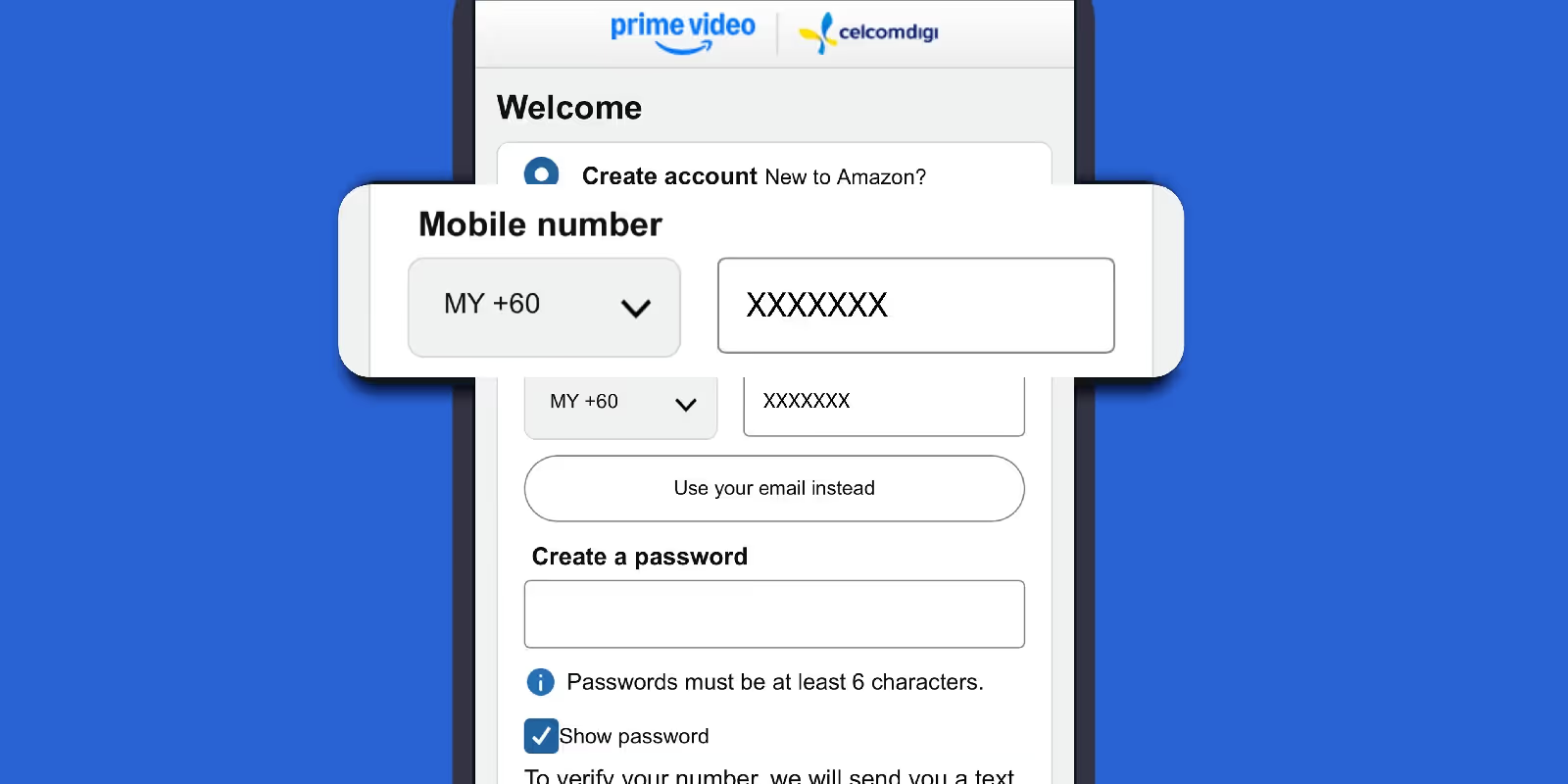
Sign up or sign in to Prime Video with your CelcomDigi number, then follow the on-screen steps to activate.