
Inspire
Link 1
Link 2
At home
Choose your home Internet
Home FibreMulti-room WiFiPortable Home WiFiCheck coverageFind the right planFibre set up and support
No data limits on the No.1 network

Roaming starts at RM15, rebate is reflected on your bill

Free calls home or at your destination

Use your pass the moment you land. No SIM swapping or Wi-Fi hunting.
Singapore · Indonesia · Thailand


Brunei · Cambodia · China · India · Indonesia · Japan · Laos · Philippines · Singapore · South Korea · Taiwan · Thailand

Albania · Argentina · Armenia · Australia · Austria · Azerbaijan · Bahrain · Bangladesh · Belarus · Belgium · Bosnia and Herzegovina · Brazil · Brunei Darussalam · Bulgaria · Cambodia · Canada · Chile · China · Congo Democratic · Croatia · Cyprus · Czech Republic · Denmark · East Timor · Egypt · El Salvador · Estonia · Finland · France · Georgia · Germany · Ghana · Greece · Guatemala · Guernsey · Hong Kong · Hungary · Iceland · India · Indonesia · Iraq · Ireland · Isle of Man · Italy · Japan · Jersey · Jordan · Kazakhstan · Korea South · Kuwait · Kyrgyzstan · Laos · Latvia · Liechtenstein · Lithuania · Luxembourg · Macao China · Malta · Mexico · Mozambique · Nepal · Netherlands · New Zealand · Norway · Oman · Pakistan · Peru · Philippines · Poland · Portugal · Puerto Rico · Qatar · Romania · Russia · Saudi Arabia · Serbia · Singapore · Slovakia · Slovenia · South Africa · Spain · Sri Lanka · Sweden · Switzerland · Taiwan · Tanzania · Thailand · Turkey · Ukraine · United Arab Emirates · United Kingdom · United States · Uruguay · Uzbekistan · Vietnam

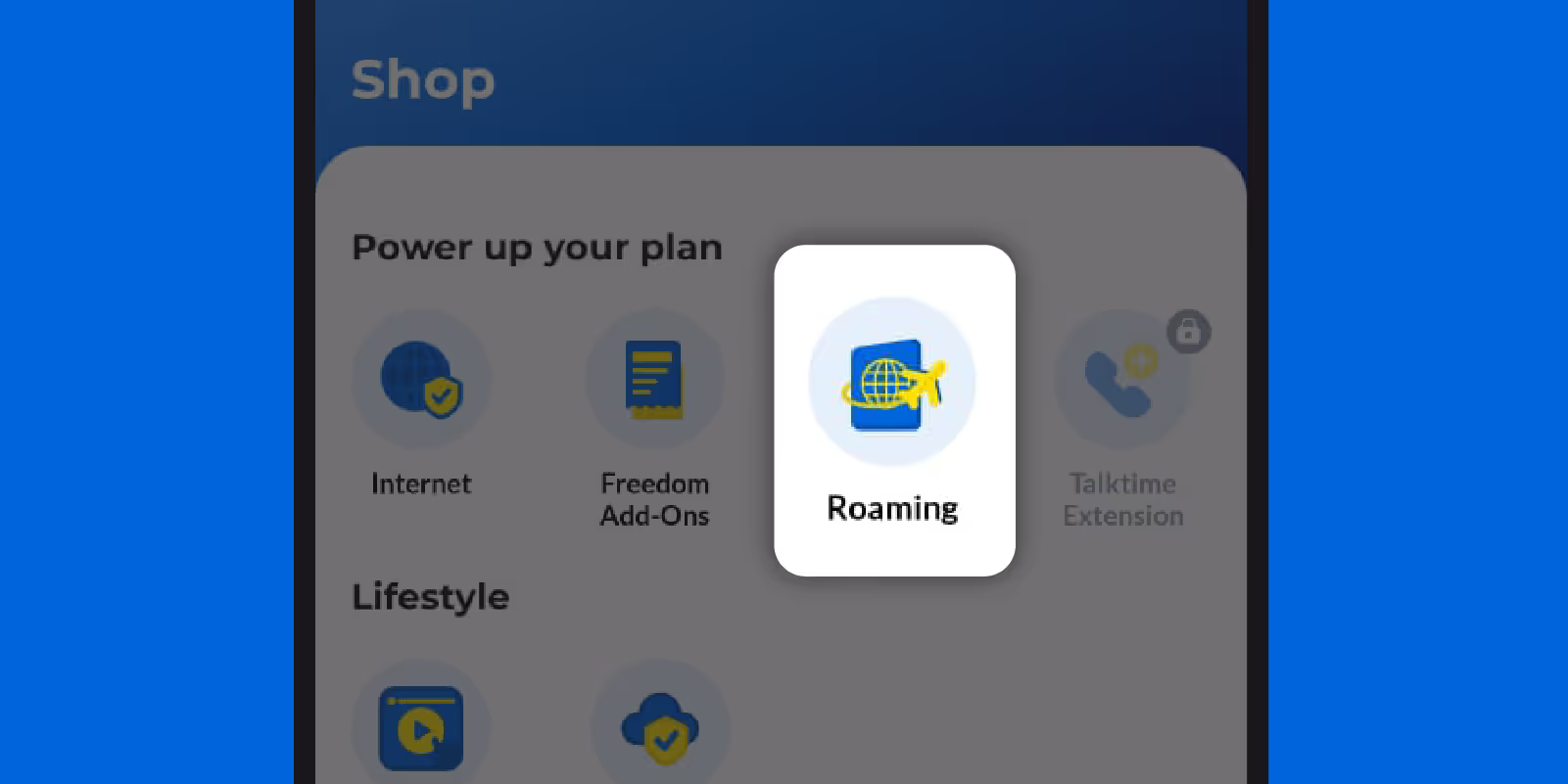
On your CelcomDigi app's home screen, tap ‘Roaming’
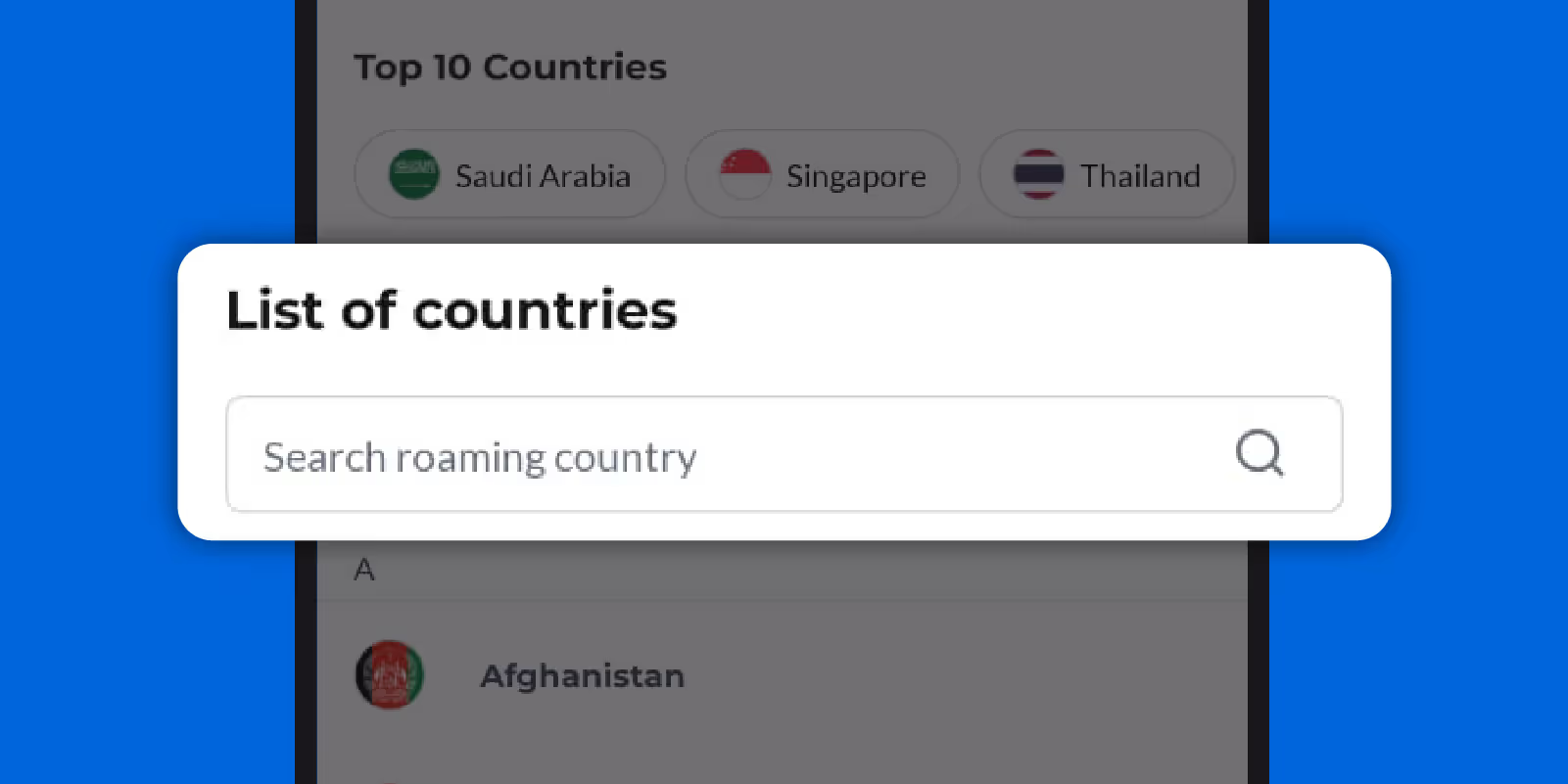
Select the destination you’re travelling to
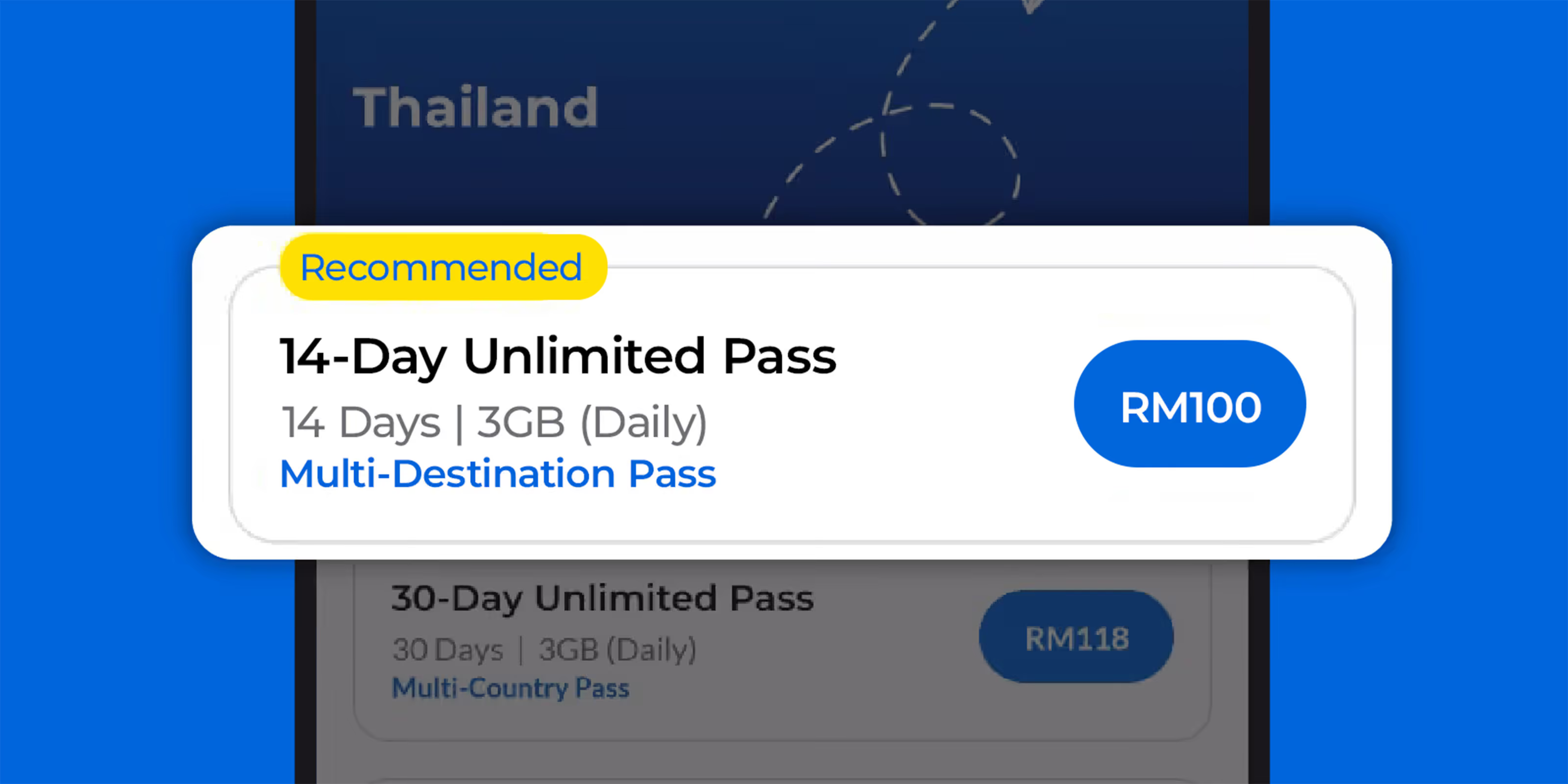
Choose your preferred roaming pass

Tap the calendar icon to set your activation date, then click ‘Next’ to complete your purchase
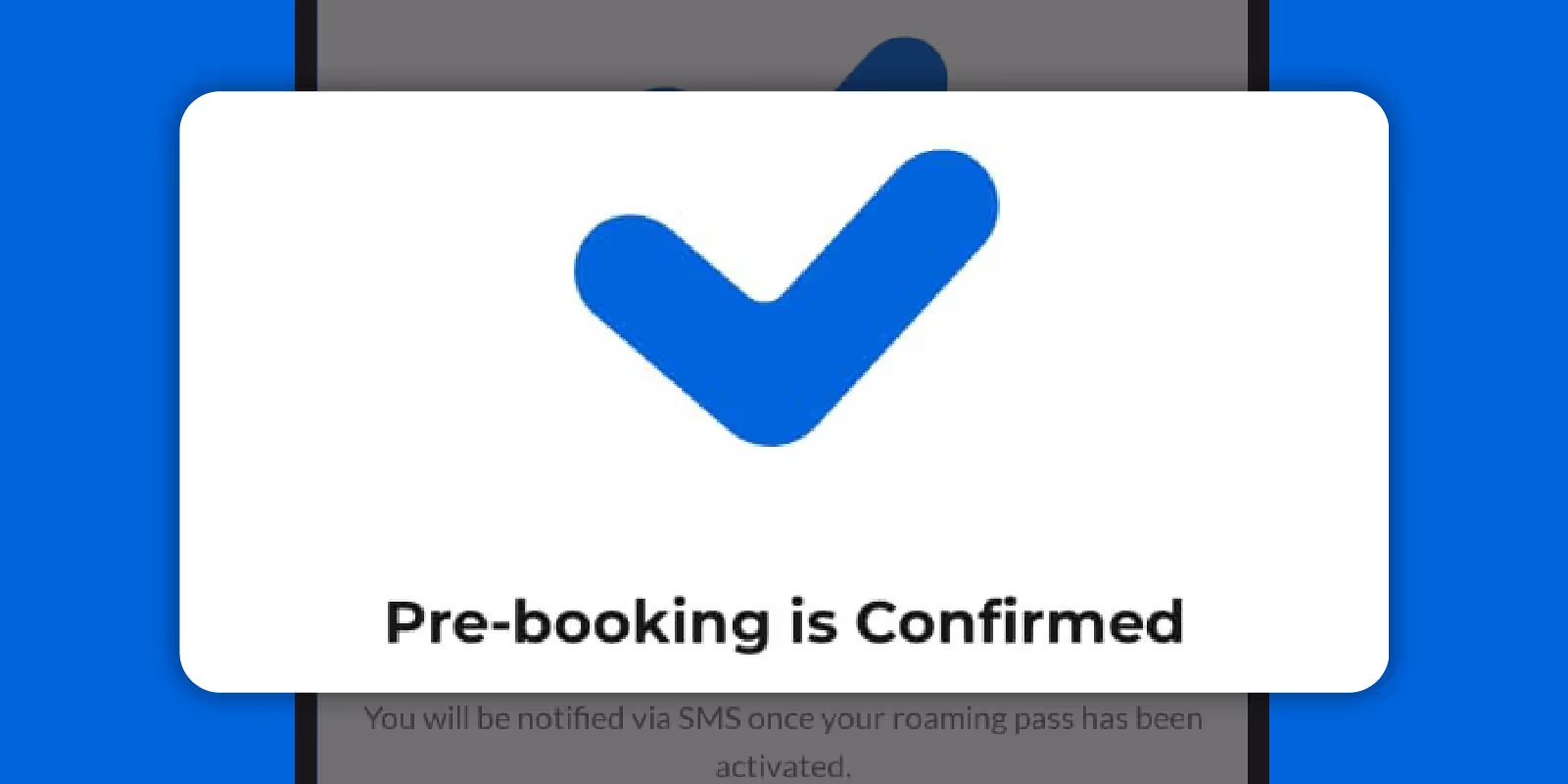
Your pre-booking is now confirmed

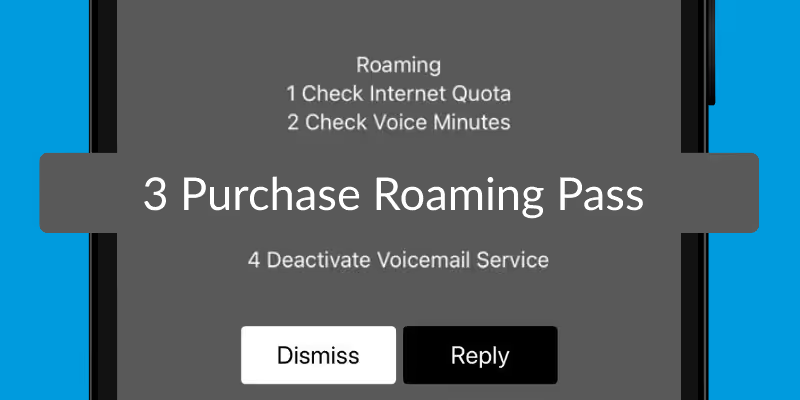
Dial *800# and select Purchase Roaming Pass.
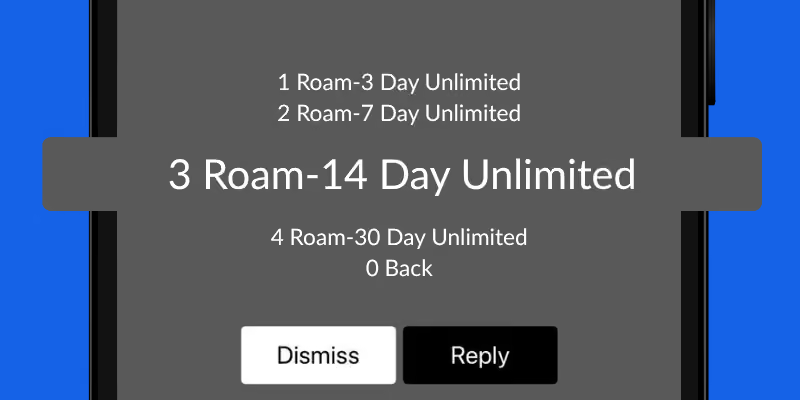
Pick a roaming pass tailored to your travel needs.
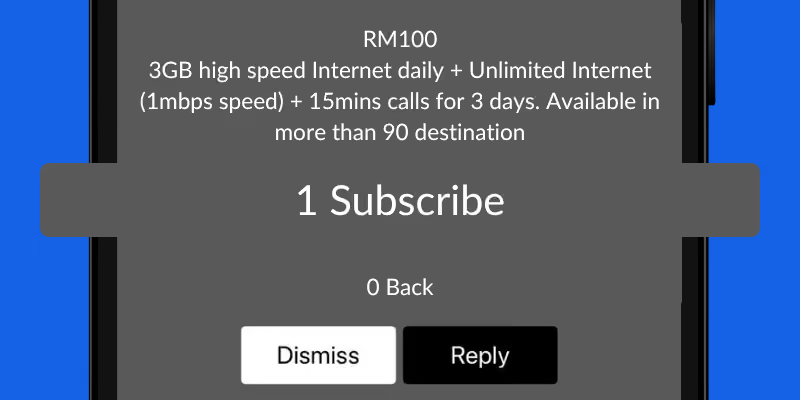
Click Subscribe.
Subscribe once, then just travel. No need to set it up every time you fly.

You pay the same amount every month, so you always know your cost upfront.

The more you travel, the more you save with one monthly plan.
Singapore · Indonesia · Thailand


Albania · Argentina · Armenia · Australia · Austria · Azerbaijan · Bahrain · Bangladesh · Belarus · Belgium · Bosnia and Herzegovina · Brazil · Brunei Darussalam · Bulgaria · Cambodia · Canada · Chile · China · Congo DRC · Croatia · Cyprus · Czech Republic · Denmark · Egypt · El Salvador · Estonia · Finland · France · Georgia · Germany · Ghana · Greece · Guatemala · Guernsey · Hong Kong · Hungary · Iceland · India · Indonesia · Iraq · Ireland · Isle of Man · Italy · Japan · Jersey · Jordan · Kazakhstan · Korea · Kuwait · Kyrgyzstan · Laos · Latvia · Liechtenstein · Lithuania · Luxembourg · Macau · Malta · Mexico · Mozambique · Nepal · Netherlands · New Zealand · Norway · Oman · Pakistan · Peru · Philippines · Poland · Portugal · Puerto Rico · Qatar · Romania · Russia · Saudi Arabia · Serbia · Singapore · Slovakia · Slovenia · South Africa · Spain · Sri Lanka · Sweden · Switzerland · Taiwan · Tanzania · Thailand · Timor-Leste · Turkey · UAE · UK · Ukraine · Uruguay · USA · Uzbekistan · Vietnam
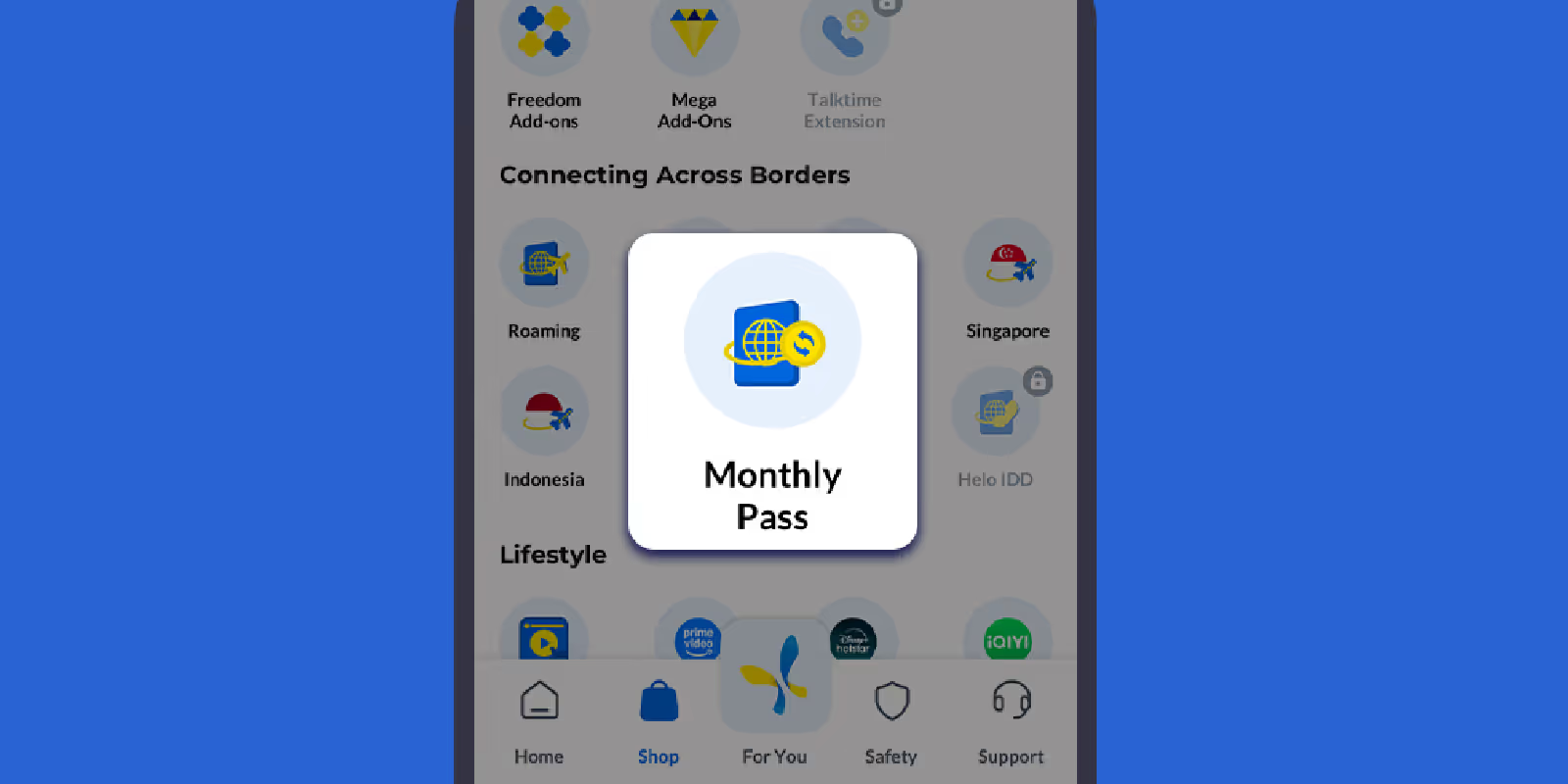
On your CelcomDigi app’s home screen, tap ‘Shop’.
Then, under Connecting Across Borders section, select ‘Monthly Pass
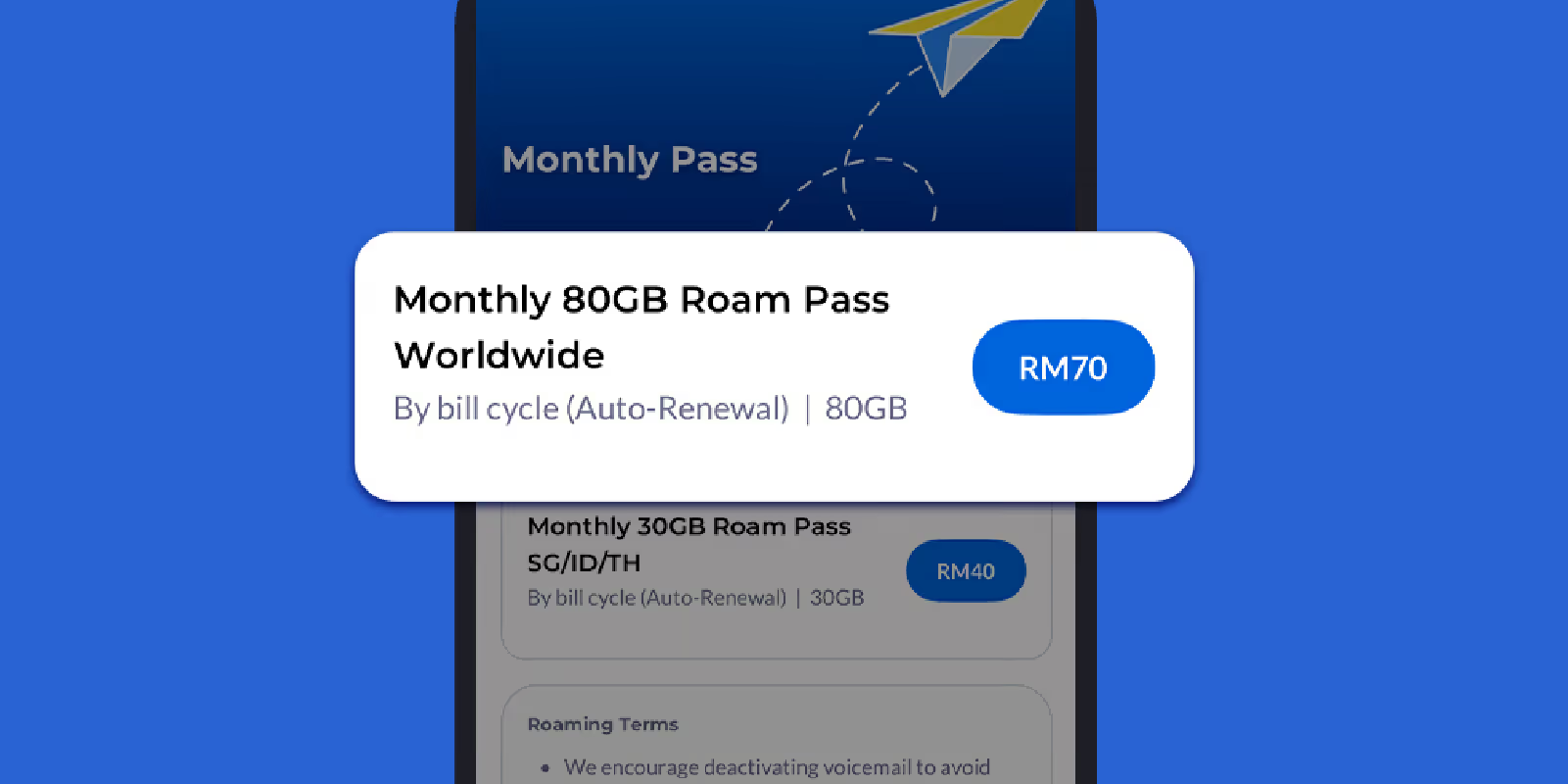
Choose your preferred roaming pass
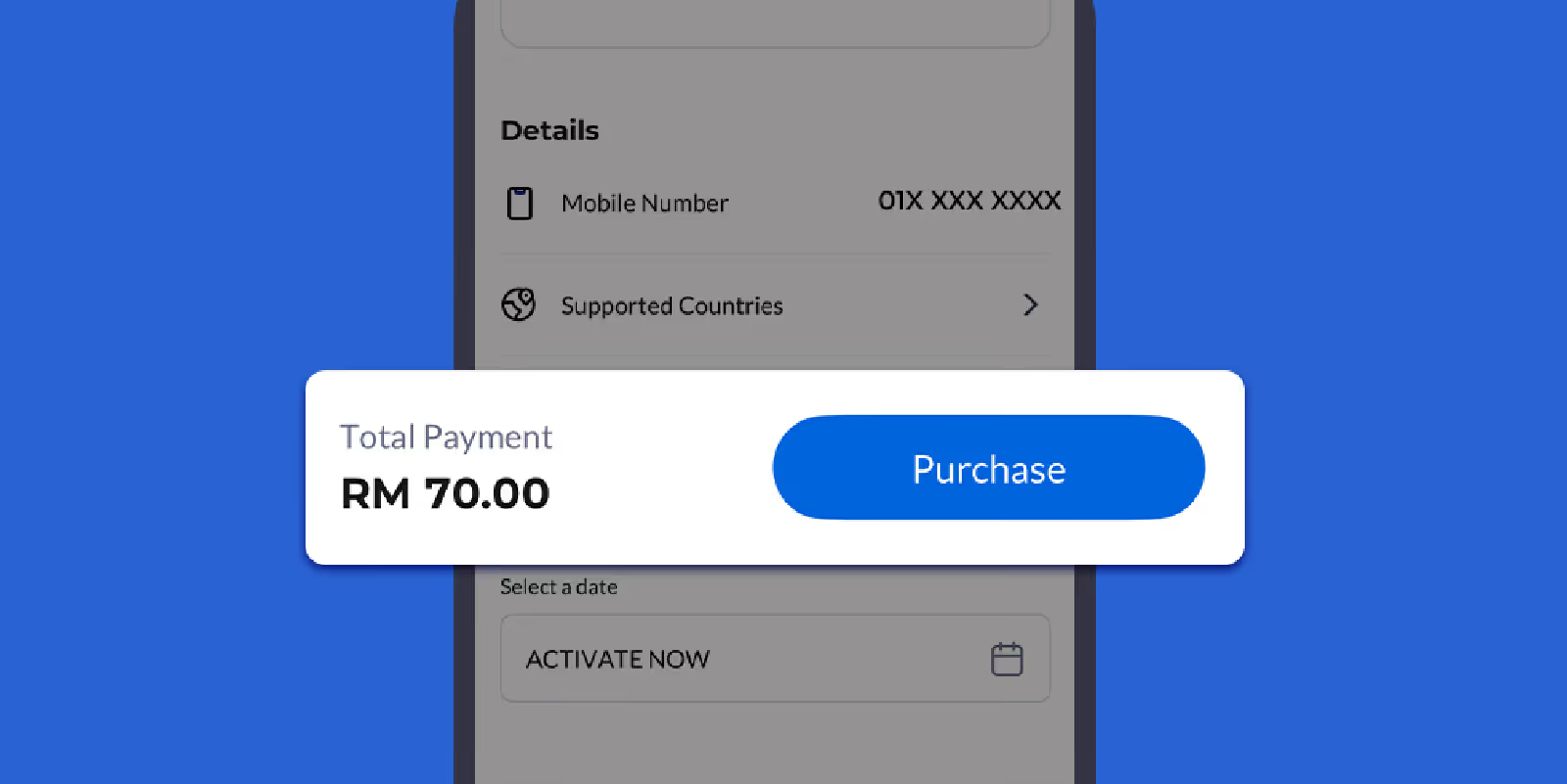
Confirm your subscription
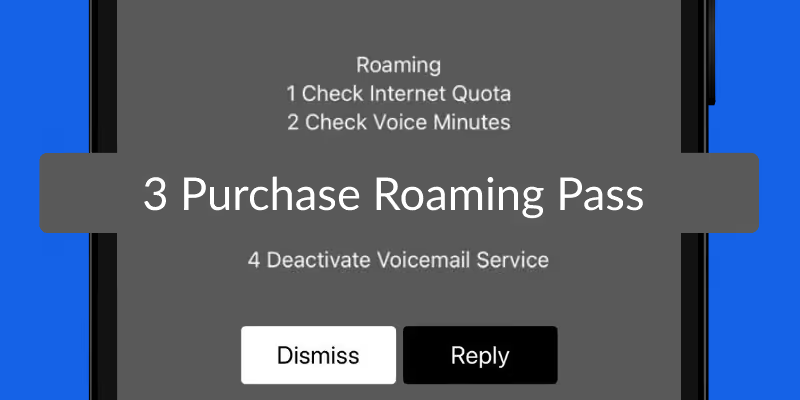
Dial *800# and select Purchase Roaming Pass
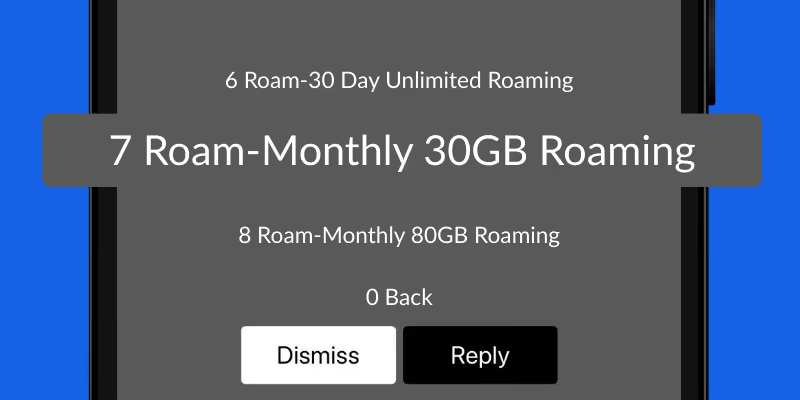
Pick a monthly roaming pass tailored to your travel needs
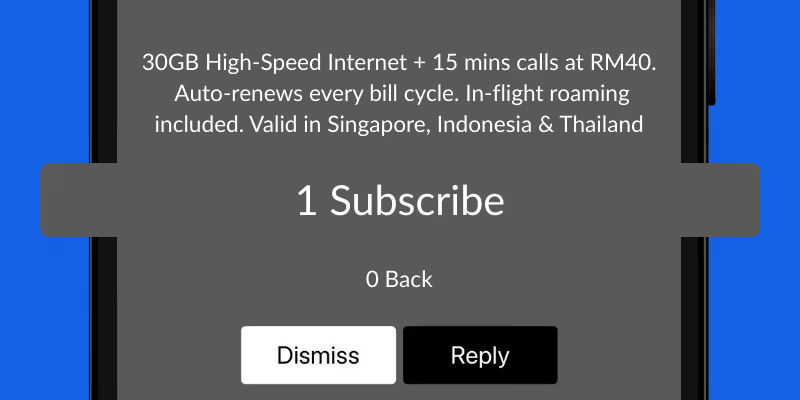
Click Subscribe
Less hassle, more coverage, instant activation — see the difference


Check out our roaming options, rates, and passes available for your destination

• Turn on Data Roaming and your phone will automatically connect to the strongest partner network. If International Roaming Services isn't active on your line, contact our Contact Centre to get it switched on.
• Once that's confirmed, double-check that Data Roaming is turned on in your device settings. See how here.
• Pre-book your roaming pass via the CelcomDigi app up to 14 days before you travel.
• Turn off voicemail, Background App Refresh, and iCloud Backup before you fly to avoid unnecessary charges. See tips and tricks for roaming.
Your Monthly Roaming Pass renews automatically every billing cycle, with your data and minutes refreshed. Any unused data or minutes don't carry over to the next cycle.
Visit your nearest CelcomDigi Store — our staff will help you cancel your subscription.
Check our troubleshooting guide, or reach 24-hour support at *125# or WhatsApp +6016-333 1111.



.avif)
.avif)
.avif)


